

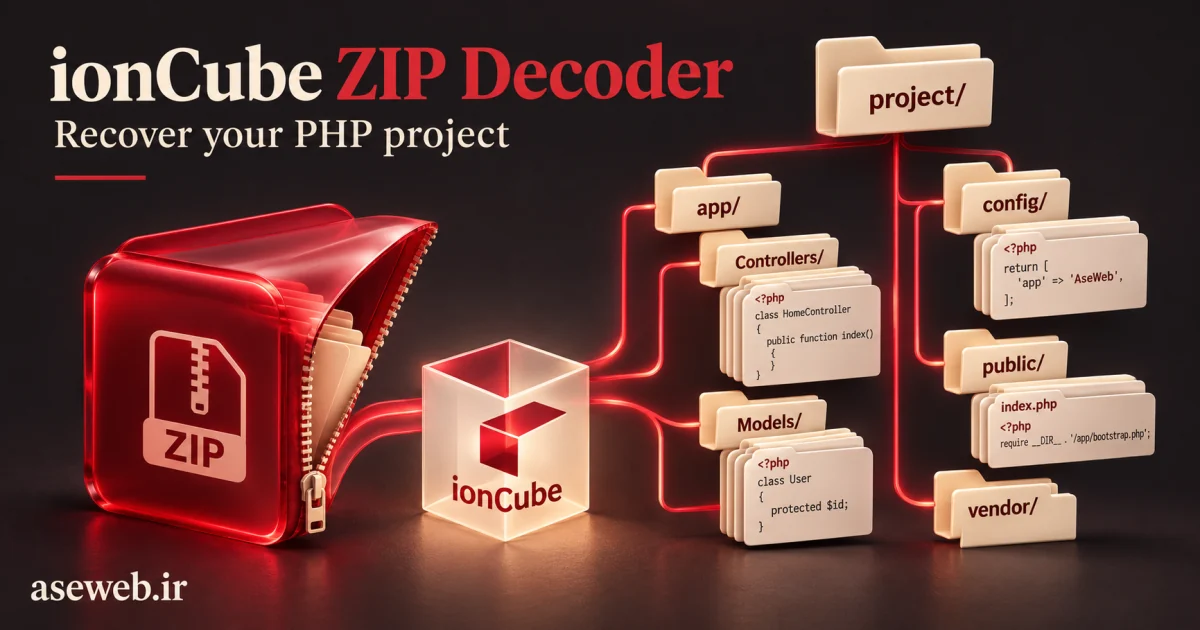
Recovering a protected PHP project is easier when its folders stay organized. An ionCube decoder for ZIP files lets you submit related PHP files together and review their results in one place. Instead of uploading controllers, helpers, and templates one by one, you can keep the directory structure that makes the application understandable.
This guide explains how to prepare an archive for AseWeb, understand the file-credit total, and check the downloaded result. Start with the free ionCube decoder preview if you have not tested a representative file yet.
Use the decode workspace for ZIP uploads. A successful project request preserves nested paths, while the result list shows which PHP files decoded, stayed unchanged, or failed.
What should you include in an ionCube project ZIP?
Make a copy of the project first. Build your archive from that copy and keep the original protected files intact. Upload the actual PHP files, rather than screenshots or text copied out of an editor. Editing a protected payload or its wrapper can make an otherwise recoverable file unreadable.
Include related project code when it is needed to understand the protected files. Some functions depend on companion files that provide required key information. Keeping those dependencies together can help, although a ZIP cannot replace an external key that is absent from the project. If a result asks for missing key material, repeated uploads of the same incomplete archive will not supply it.
Leave out unrelated backups and sensitive material that the recovery task does not need. Database dumps, personal documents, and private configuration do not belong in an archive simply because they sit beside a plugin. Check the current upload-size, per-file-size, and PHP-file-count limits in the workspace before submitting a large project.
Does the ionCube decoder keep ZIP folders?
AseWeb preserves the relative paths of files included in the decoded archive. If the upload has a file under project/src/Controller.php, its recovered version stays under that path. Keeping this layout is useful for applications that use relative includes, class directories, or framework conventions.
my-plugin/
  plugin.php
  src/
    Controller.php
    Helpers/
      Formatter.php
  templates/
    account.php
For example, a completed result can contain the reconstructed src/Controller.php beside its original helper directory. You do not need to guess which of several similarly named files belonged to which folder. Review the individual result entries to confirm that the files you need are present.
Folder preservation does not mean a recovered archive contains every external dependency the application needs. A framework installation, database, environment settings, or vendor package may still be required to run the project. Keep a separate backup of the complete application, including assets and dependencies that are outside the recovery request.
How are ZIP uploads charged?
One PHP file costs one credit; a ZIP is not one credit for the entire archive. A ZIP containing eight PHP files requires eight file credits when using the credit-based website workflow. The workspace displays the required total before you submit the full decode.
You can buy 3-, 5-, or 10-credit packs, or choose an active subscription for unlimited supported decoding during its term. Current subscription options are 7 days for $24, 10 days for $29, and 30 days for $69. Check the pricing page for the current plans and choose the option that fits your project size.
If a paid file fails, the applicable reserved credit is refunded. For an archive with mixed results, check both its file list and your account's credit activity. A subscription and a credit balance are separate forms of access; an active subscription does not require you to purchase a credit for every PHP file.
Read the file list before calling a project complete
Expand the archive's result list after processing. A file marked decoded has reconstructed output available. An unchanged PHP file was already readable and did not need reconstruction. A failed entry needs attention before you can rely on that part of the project.
A partial result can still provide useful recovered files. Download the available output, then review the remaining failures individually. Do not assume that one successful preview proves every file in a large ZIP is compatible: different files may use different PHP targets, protection settings, or dependencies.
If a file is queued, follow the displayed progress and estimate in your history. Avoid submitting the same archive repeatedly while an existing request is still pending. When a result reports a missing dynamic or external key, provide the relevant companion code or key material if you have it; contact AseWeb support if you need help identifying the requirement.
Download, check, and test the recovered project
Uploaded and decoded files are retained for seven days. Download the completed archive promptly and keep your own copy. Your account history can remain visible after a download link has expired, so a history entry is not a permanent file backup.
Extract the output into a separate working directory. Compare the folder paths with the original archive and check that the expected PHP files are present. Run syntax checks with the PHP version appropriate to the project, then test the application's important pages, callbacks, and integrations in a separate environment.
Readable recovered code can use different formatting or quote styles from the original source. Comments and original names are available only where that information survived protection. The practical goal is to recover usable PHP and verify its behavior with the application's real dependencies.
Questions about decoding ionCube ZIP files
Can I test a file before uploading the entire project?
Yes. The public preview shows up to 15 formatted lines or 1,500 characters without an account. Sign in to preview or fully process a project ZIP.
Will every ionCube file inside my ZIP decode?
Support depends on each file's format and requirements. Review the ionCube compatibility guide and inspect each result rather than relying only on the archive's name or Encoder version.
What should I do with a SourceGuardian file?
Choose the SourceGuardian decoder. If you want to automate those uploads, read the SourceGuardian decoder API guide.