

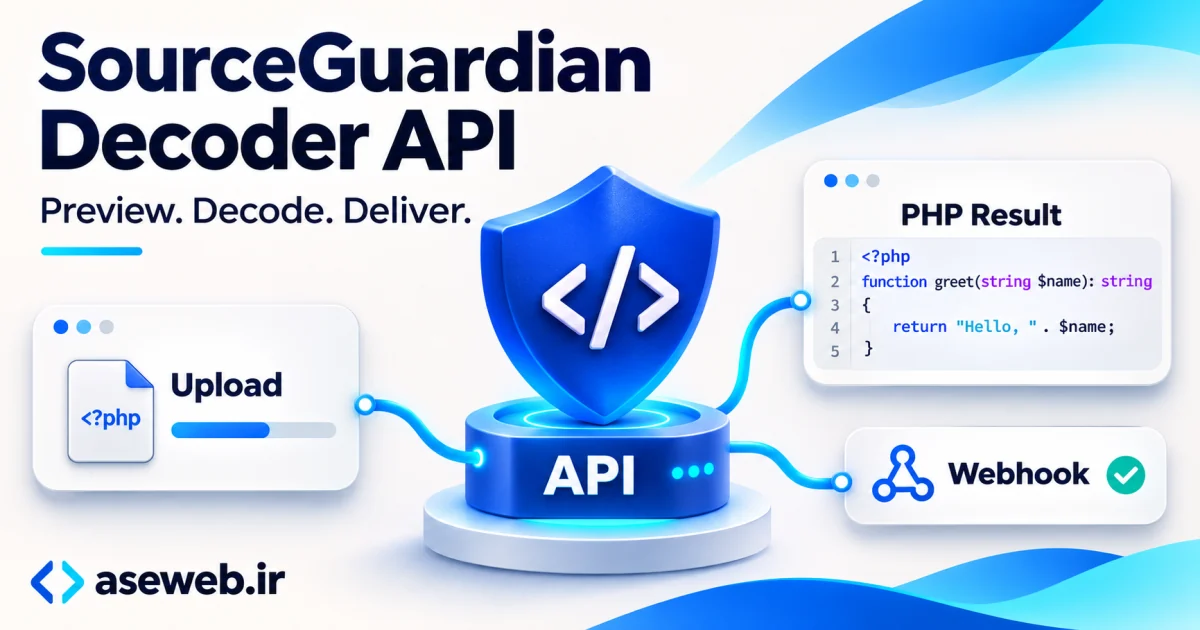
A SourceGuardian decoder API is useful when you want to process protected PHP from your own tools instead of uploading every file manually. AseWeb uses the same API endpoints for free previews and subscription-based full recovery. Your API key identifies the account and the access available for each request.
You can begin with a limited demo result, confirm that the workflow suits your files, and activate a subscription when you need complete output. This guide covers the customer-facing process: creating a key, uploading a file, following its status, and downloading the result.
The SourceGuardian decoder preview works in your browser without a login. For a scripted workflow, create an account and open Developer → Your API keys.
Free preview API or complete PHP recovery?
A free account's API key can test the supported workflow and return a preview of 15 formatted lines, capped at 1,500 characters. The line limit and character limit apply together, including when a program contains long strings or very few original line breaks. A demo ZIP request previews the first successfully decoded PHP file; it does not provide a full decoded ZIP download.
An active subscription enables complete API results for supported files. The same API key follows your account's current access, so you do not need to replace it when a subscription activates. File-credit packs are for the website's credit-based workflow; buying credits alone does not enable full API decoding.
Subscriptions currently offer 7 days for $24, 10 days for $29, or 30 days for $69. Review the subscription options before submitting a production batch. A request submitted as a demo remains a demo after upgrading, so submit that file again after full access activates.
Create a key and check your account
Sign in, open the Developer section, and create a named API key. Copy the secret when it is shown and save it securely on your server. Use the authorization header for requests; do not put the key in a URL or a public website's JavaScript. If a key is exposed, revoke it in your panel and create a replacement.
Check your access before uploading a batch. The account endpoint reports whether the key has demo or full access, the subscription expiry, and the current upload limits. This is more reliable than hard-coding limits that an administrator may change later.
export ASEWEB_API_KEY="YOUR_API_KEY"

curl --fail-with-body "https://aseweb.ir/api/v1/me" \
  -H "Authorization: Bearer $ASEWEB_API_KEY"
Keep the key in a private environment variable in your integration. Your normal website login cookie does not authenticate an API request. Each API call needs the bearer header, including later status, preview, and download requests.
Submit a SourceGuardian-protected PHP file
Send a multipart upload to the jobs endpoint and explicitly choose sourceguardian. The file should be the original protected PHP file, not a screenshot or copied text. Selecting the correct decoder matters: ionCube and SourceGuardian are different protection formats.
curl --fail-with-body "https://aseweb.ir/api/v1/jobs" \
  -H "Authorization: Bearer $ASEWEB_API_KEY" \
  -F "decoder=sourceguardian" \
  -F "file=@example.php"
The upload response provides a job ID and links for following the request. Save that ID in your application. An accepted upload is not necessarily finished; use the reported status instead of assuming that an HTTP 202 response means a full file is ready.
For a project ZIP, keep the original folder hierarchy and include relevant companion code. Check the PHP-file count and size limits returned by the account endpoint. Full-access archive output preserves the paths of available files, while a partial outcome requires a review of individual results. The ZIP recovery checklist also explains practical preparation and validation steps.
Follow the job and download the output
Replace JOB_ID with the identifier returned by your upload. Poll the job URL at a sensible interval and respect any retry guidance. Stop polling when the job reaches a terminal result such as complete, partial, or failed. For a queued request, keep the existing job ID rather than repeatedly uploading the same file.
curl --fail-with-body "https://aseweb.ir/api/v1/jobs/JOB_ID" \
  -H "Authorization: Bearer $ASEWEB_API_KEY"

curl --fail-with-body "https://aseweb.ir/api/v1/jobs/JOB_ID/preview" \
  -H "Authorization: Bearer $ASEWEB_API_KEY"

curl --fail-with-body "https://aseweb.ir/api/v1/jobs/JOB_ID/download" \
  -H "Authorization: Bearer $ASEWEB_API_KEY" \
  -o example-decoded.php
Inspect the response's access and truncation information. A demo download remains a limited preview. A full API download requires an active subscription, including when you retrieve a previously completed full job. Use a ZIP output filename for a full archive request and check the returned content type before treating the response as PHP.
Files are retained for seven days. Download successful results promptly and keep your own copy. Test the reconstructed PHP with the application's expected PHP version, dependencies, and configuration before using it on a live site.
Get completion updates at a saved webhook URL
If you do not want to keep polling, save a public HTTPS callback URL in Developer → Webhook notifications. Use the panel's test button to check that your endpoint can receive a delivery. The setting belongs to your account; you do not need to include a webhook URL in every upload.
When a qualifying job finishes, AseWeb sends a JSON notification with its status and result links. Your application can then fetch the result with its API key. Decode notifications retry failed deliveries, up to eight attempts in total. A failed notification does not change the decode result, and the webhook-status endpoint lets you inspect delivery progress.
The webhook documentation includes the payload format and receiver examples. Return a successful HTTP response promptly, handle repeated event IDs safely, and keep your API key out of callback URLs.
SourceGuardian decoder API questions
Can I use the same integration for ionCube?
Yes. Keep the same endpoints and change the upload's decoder field to ioncube. Test a representative file with the ionCube decoder preview first.
Does full API access guarantee every file will decode?
No. Compatibility and required key material still matter. Read the job's file results and error guidance, and provide relevant dependencies when they are needed.
Where are all endpoint headers and request bodies documented?
The AseWeb API documentation lists complete endpoint URLs, required headers, upload bodies, response examples, and copyable curl commands. It also provides an OpenAPI document for your development tools.