

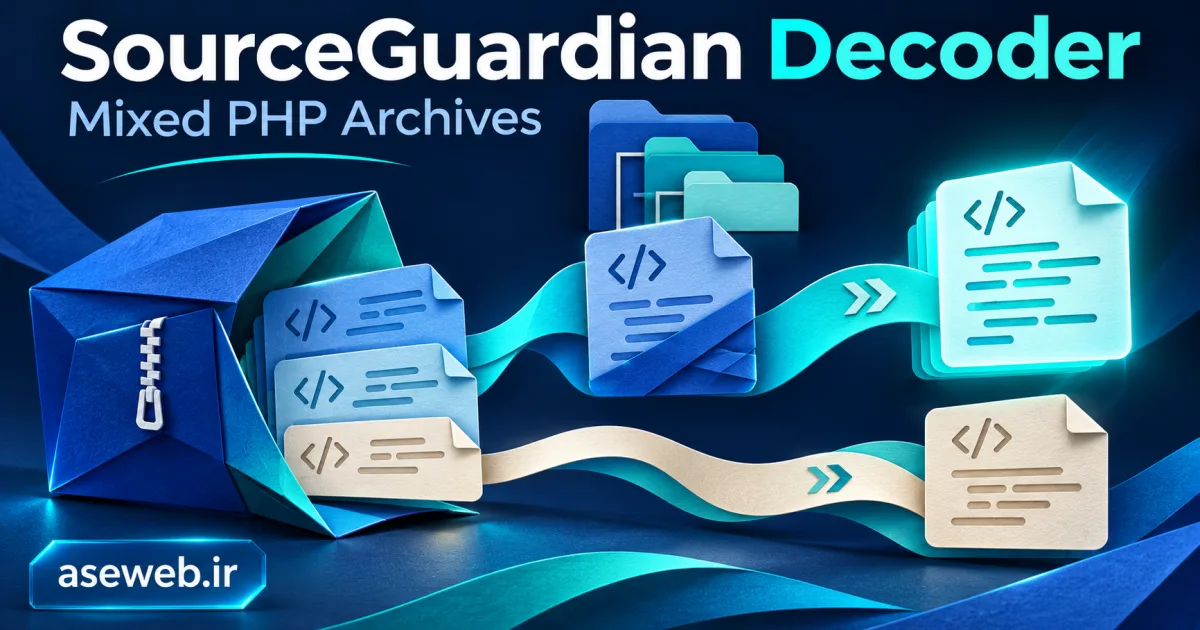
A PHP project can contain a mix of SourceGuardian-protected code and ordinary readable PHP. A controller might be protected while its templates and helpers remain readable. When you use a SourceGuardian decoder for that project, understanding each file's result matters more than treating the entire ZIP as one encoded object.
This guide explains what to include, how to distinguish recovered code from unchanged files, and what to check before you use the downloaded project. For a quick first test, try the SourceGuardian decoder preview with one protected PHP file.
An unchanged result means the file was already readable. It should not be mistaken for a failed recovery or counted as evidence that protected code was reconstructed.
Why does one project contain both protected and readable files?
Protection can be applied to selected parts of an application rather than every PHP file. A project can therefore include protected classes alongside readable entry points, templates, and configuration. The extension alone does not tell you which files are protected: both types can end in .php.
SourceGuardian uses bytecode protection, and its official product overview explains that protected scripts require a corresponding loader to run. Readable PHP in the same directory is a different category of file. Do not edit protected payloads to make them resemble those readable neighbors.
If you are unsure which protection a file uses, follow the SourceGuardian identification guide. An ionCube-protected file needs the ionCube decoder; simply placing it beside SourceGuardian files does not change its format.
Prepare a ZIP that keeps the project understandable
Work from a copy of the original package. Include the relevant PHP files and preserve their relative directories instead of flattening everything into one folder. Two different components can each contain a file called functions.php, so the path is part of the information you need to retain.
project/
  bootstrap.php
  src/
    Controller.php
    Helpers.php
  templates/
    account.php
In this example, the controller may require reconstruction while the helper and template are already readable. Keeping them together makes the result easier to inspect. Leave out unrelated backups, database dumps, personal documents, and credentials that are not needed for the recovery request.
Check the current archive and file limits in the workspace before submitting a large project. Upload the real ZIP and original PHP files; screenshots and copied excerpts do not provide the full protected contents.
What do decoded, unchanged, and pending mean?
Expand the file list after processing and read the result beside each path. A decoded file has reconstructed PHP available. An unchanged file was already readable and did not need reconstruction. A queued or pending entry has not reached a final result yet.
These categories answer different questions. Decoded tells you that recovery completed for a protected file. Unchanged tells you that the readable input was preserved. Pending tells you to check again for the remaining result. None of them should be used as a substitute for reviewing the actual files your application needs.
If an entry cannot complete, review its status and any action requested in your account. A successful file elsewhere in the ZIP does not prove that every protected component uses the same format or requirements. Keep the request reference if you contact AseWeb support.
How does a preview differ from a complete decode?
The public preview is a way to inspect a limited sample from one protected PHP file without an account. It shows up to 15 formatted lines or 1,500 characters. It is not a complete recovered project, and a short preview should not be treated as proof that every class or function has been recovered.
Sign in to use the project workspace for ZIP uploads and review individual file results. A limited preview applies to recovered protected code; readable files kept unchanged are original input, not newly reconstructed source. Check the result labels so you know which parts of the archive actually needed decoding.
For full recovery, choose from the credit packs or subscriptions. One file decode uses one credit, and PHP files inside a ZIP are counted individually rather than charging one credit for the entire archive. Review the required total displayed for your request before continuing.
Check paths and contents after downloading
A completed project download preserves the relative paths of the files included in the output. Compare those paths with your original archive and verify that the files needed by the application are present. A status count alone cannot tell you whether you selected the right version of a project.
When some files are still processing, use available completed results while following the remaining entries. Download the complete archive when the request finishes. Save your own copy promptly: uploaded and decoded files are retained for seven days, and a history entry is not a permanent backup of the downloadable output.
Extract recovered files into a separate working directory. Check syntax with a suitable PHP version, then test important application behavior with its real dependencies. Recovery can produce different formatting from the original source; comments and original names are available only where that information survived protection.
Questions about mixed SourceGuardian archives
Should I remove every readable PHP file before uploading?
Keep relevant readable companion code when it helps preserve the project context. Remove unrelated or sensitive files that the recovery task does not need.
Does unchanged mean that the decoder failed?
No. It means the file was already readable and did not need reconstruction. Review protected files separately for their recovery results.
Can I automate project requests?
The API documentation covers authentication, request examples, results, and saved webhook settings. Test a representative sample before building a repeated recovery workflow.